
Dreaming of a bigger screen without overwhelming your room? Curious how today’s TVs stack up against projectors and other display options? Discover practical paths to cinematic viewing that fit budgets, spaces, and lifestyles.
Why many shoppers are rethinking the TV
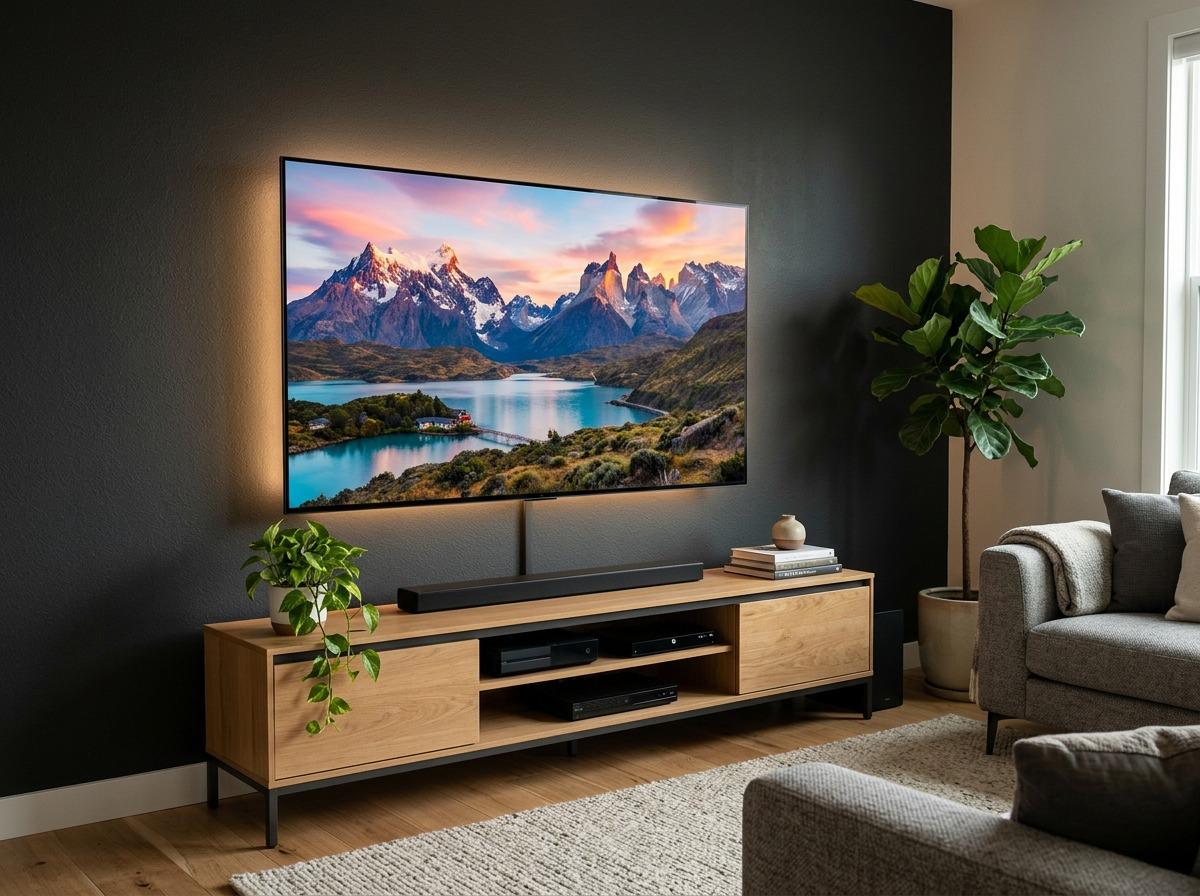
Americans love a big picture, but the way we get it is changing. Ultra-bright mini-LED and OLED televisions now fight for living room space with compact long‑throw projectors, sleek ultra‑short‑throw “laser TVs,” and roll‑away screens that disappear when not in use. If you want theater‑scale immersion, a flat panel is no longer the only answer—especially if you’re chasing 100–120 inches without a five‑figure bill or a wall-dominating slab.
Alternatives to Flat Screen TVs
Projectors are the most popular non‑TV route to a giant image, with several flavors to fit different rooms and budgets. A traditional ceiling‑ or shelf‑mounted projector throws across the room to a fixed or pull‑down screen, while an ultra‑short‑throw (UST) “laser TV” sits inches from the wall and partners best with an ambient light rejecting (ALR) screen. Portable projectors make movie night in the yard possible, and high‑end microLED walls exist for those who want the brightest possible modular screen—albeit at a luxury price point. For a helpful overview of tradeoffs, see this concise comparison, Flat Screen TV Vs Projector: Which Is Better for You?, and the community‑tested thread Projectors vs TVs. To dive deeper into why many enthusiasts prefer projection for cinematic scale, check out The Biggest Benefits of Projectors over TVs. You can also explore a manufacturer’s perspective on living‑room projection in XGIMI’s living room projector buying guide, and browse a wide set of ideas in this community discussion of flat panel alternatives.
Which option fits your room and habits?
Choosing between a TV and projector isn’t just about size; it’s about how you watch, your lighting, seating distance, and whether you can mount gear or prefer a tidy credenza setup. Use this quick reference to steer your short list.
| Use Case | Recommended Display | Key Reason |
|---|---|---|
| Bright, sunlit living room (daytime) | Mini‑LED/QLED TV (75–85") | High sustained brightness; glare handling |
| Dedicated dark theater | Long‑throw projector + fixed screen | Massive size (100–150") with cinematic feel |
| Apartment/renter, minimal drilling | UST laser projector + ALR screen on stand | Sits near wall; clean install; reversible |
| Casual backyard movie nights | Portable projector + inflatable screen | Battery options; easy setup; big fun cheap |
| Sports with lights on | High‑brightness TV (Mini‑LED) | Punchy highlights; low motion blur |
| Gaming at 120 Hz with VRR | OLED TV or 120 Hz UST with low input lag | Instant response; smooth motion |
| 120" experience under $1,500 | 1080p/4K‑shift projector + budget screen | Lowest cost per inch in a dim room |
| No visible wires, furniture‑friendly | UST laser TV + credenza + ALR screen | Short throw distance; integrated streaming |
| Showpiece wall with “TV‑off” minimalism | Motorized drop‑down screen + projector | Screen disappears; room stays clean |
| Money‑no‑object brightness and wow | MicroLED modular wall | Unmatched nits, size, but ultra‑premium |
Image quality, brightness, and ambient light
TVs express brightness in nits, while projectors use lumens; the key is how much light actually reaches your eyes given room reflections. In a bright living room, a mini‑LED/QLED TV (e.g., 1,000–2,000‑nit peaks) preserves contrast better than most projectors on a plain wall. Projectors gain ground as light control improves; with an ALR screen and a UST laser rated around 2,000–3,000 ANSI lumens, sports and streaming can look excellent even before sunset. In a fully dark room, even modest‑lumen projectors produce rich, theater‑like pictures at 120 inches and beyond—something a TV can’t match without extreme cost. If you’re unsure how your space behaves, view both options in a showroom at similar content and color temperature; the perceived difference is immediate.
Smart features, audio, and everyday ease
Modern TVs bundle mature smart platforms (Google TV, Tizen, webOS) and strong app support. UST projectors increasingly match this with Android TV or proprietary hubs, but long‑throw home theater models sometimes rely on an external streamer. Built‑in TV speakers have improved, yet a simple soundbar still outperforms most on‑board audio, and projectors especially benefit from one due to fan noise and placement. Factor in the small things—CEC control with your streamer, eARC for Dolby Atmos, and where you’ll hide cables—so switching inputs and powering your system stays effortless.
Sample US pricing: big‑screen options to consider
Typical street prices from major US retailers (Best Buy, Amazon, ProjectorScreen, manufacturer stores) as of recent months; prices fluctuate with sales.
| Product (Size/Model) | Category | Typical Price (USD) |
|---|---|---|
| LG C3 OLED 65" | OLED TV | $1,599 |
| Samsung S90C OLED 65" | QD‑OLED TV | $1,599 |
| TCL QM8 75" | Mini‑LED TV | $1,499 |
| Hisense U8K 65" | Mini‑LED TV | $899 |
| Sony X90L 65" | LED TV | $999 |
| Samsung QN90C 65" | Mini‑LED TV | $1,599 |
| Epson Home Cinema 2350 | Long‑throw projector | $1,299 |
| BenQ HT2060 | Long‑throw projector | $999 |
| XGIMI Horizon Pro | Portable 4K projector | $1,699 |
| Hisense PX1‑PRO | UST laser projector | $2,499 |
| Epson LS800 | UST laser projector | $3,499 |
| LG CineBeam HU715Q | UST laser projector | $2,999 |
Note: many of these displays see seasonal sales several hundred dollars below the “typical” price. Always check return windows and restocking fees, especially for large freight‑delivered screens.
Brightness made simple: match the tech to the light
If you’re still unsure how your space affects the picture, this quick guide aligns ambient light to practical choices.
| Room Lighting Level | Suggested Tech | Notes |
|---|---|---|
| Midday, blinds open | Mini‑LED/QLED TV | Peak brightness and anti‑glare win |
| Evening with lamps on | UST + ALR screen or bright Mini‑LED TV | Good compromise of size and punch |
| Dark, controlled theater | Long‑throw projector | Maximum immersion at lowest cost per inch |
Setup tips for Columbus apartments and homes
- Keep throw distances honest. Measure from lens to screen and verify your projector’s throw ratio before you drill or buy furniture.
- Plan for power and streaming. A nearby outlet, eARC to a soundbar, and a tidy path for HDMI will make daily use frictionless.
- Try before you buy if possible. Many retailers near Columbus let you demo USTs next to bright TVs; your eyes will decide faster than specs.
How to choose confidently in minutes
- Define your biggest pain point: glare, size, or budget. Let that drive the category first, model second.
- Match screen size to distance: many find a 55–65" TV perfect at 7–9 feet; projectors shine at 100–120" from 10–14 feet.
- Decide on light control: if you won’t darken the room, favor a bright TV or a UST with an ALR screen.
- Prioritize motion and lag for sports/games: look for 120 Hz, VRR, and low input lag specs.
- Budget holistically: include a screen, mount or credenza, soundbar, and blackout shades if needed.
Further reading and communities
For hands‑on insights and photo comparisons, don’t miss these resources:
- The Biggest Benefits of Projectors over TVs
- Projectors vs TVs discussion (AVForums)
- Flat Screen TV Vs Projector: Which Is Better for You?
- XGIMI’s living room projector buying guide
- Flat panel TV alternatives (community thread)
The bottom line: if your room is bright and your priority is punchy, anytime viewing, a modern mini‑LED or OLED remains the simplest choice. If you chase sheer size and cinematic mood, especially after dark, today’s projectors—whether long‑throw or ultra‑short‑throw with an ALR screen—are compelling, flexible alternatives to flat screen TVs. Match the tech to your light, distance, and habits, and your next big screen will feel tailor‑made for the way you watch.