
Fast, reliable internet shouldn’t be a luxury when you’re stretching every dollar. If you receive SNAP, SSI, or other benefits, there are real options to get online for less. Learn which plans, prices, and “Wifi with Ebt” solutions fit your situation today.
Why Affordable Internet Matters for Households on Benefits
Life runs online: job applications, telehealth, homework, banking, and connecting with loved ones. When every cent counts, paying for home WiFi can feel out of reach—but going without can cost more in missed opportunities. The good news is that multiple providers now offer low-cost “Wifi for People on Benefits” with straightforward sign-ups, no credit checks in many cases, and equipment included or discounted. Whether you need “Home Internet for Snap Recipients” or a starter plan for a senior on SSI, you can likely qualify and start saving this month.
Who Qualifies: Internet Access for SNAP and Other Programs
If you’ve seen ads for “Internet for Snap Recipients” or “Wifi with Ebt,” they’re pointing to special low-cost plans offered directly by internet providers. Eligibility is typically tied to participation in benefit programs. You can often qualify if someone in your household is enrolled in one or more of the following:
- SNAP/EBT — Your EBT card or SNAP approval letter commonly proves eligibility for Internet Access for SNAP plans.
- Medicaid — Active Medicaid participation often qualifies you for discounted home internet.
- SSI/SSDI — Some providers accept Supplemental Security Income (SSI) or Social Security Disability Insurance.
- NSLP/CEP (School Lunch) — Households with children in the National School Lunch Program may qualify.
- WIC/Head Start — Participation in these programs can also open eligibility.
- Veterans Pension — Certain veteran benefits may count.
Tip: Keep a photo of your EBT card and the latest eligibility letter on your phone. Many applications allow upload from a smartphone, making “Wifi with Ebt” sign-up quick.
Real Low-Cost Plans and Sample Prices
Below are sample low-income plans and prices from major U.S. providers. Plans and speeds vary by area, and taxes/fees may apply. Always confirm current details with the provider before enrolling.
| Provider | Plan (Typical Speed/Area) | Monthly Price (USD) |
|---|---|---|
| Xfinity | Internet Essentials (up to ~50 Mbps, Comcast areas) | $9.95 |
| Xfinity | Internet Essentials Plus (up to ~100 Mbps) | $29.95 |
| Spectrum | Spectrum Internet Assist (up to ~50 Mbps, WiFi add-on available) | $24.99 |
| AT&T | Access from AT&T (up to ~10 Mbps in legacy areas) | $10.00 |
| AT&T | Access from AT&T (up to ~100 Mbps where available) | $30.00 |
| Cox | Connect2Compete (up to ~100 Mbps, select Cox markets) | $9.95 |
| Optimum | Advantage Internet (up to ~50 Mbps, Optimum areas) | $14.99 |
| Mediacom | Connect2Compete Plus (up to ~100 Mbps, Mediacom areas) | $9.95 |
| Astound Broadband | Internet First (up to ~50 Mbps, select cities) | $9.95 |
Note: Pricing and speeds are subject to change and can vary by address. Some providers include a modem; WiFi router rental may be extra.
How “Wifi for People on Benefits” Works in Practice
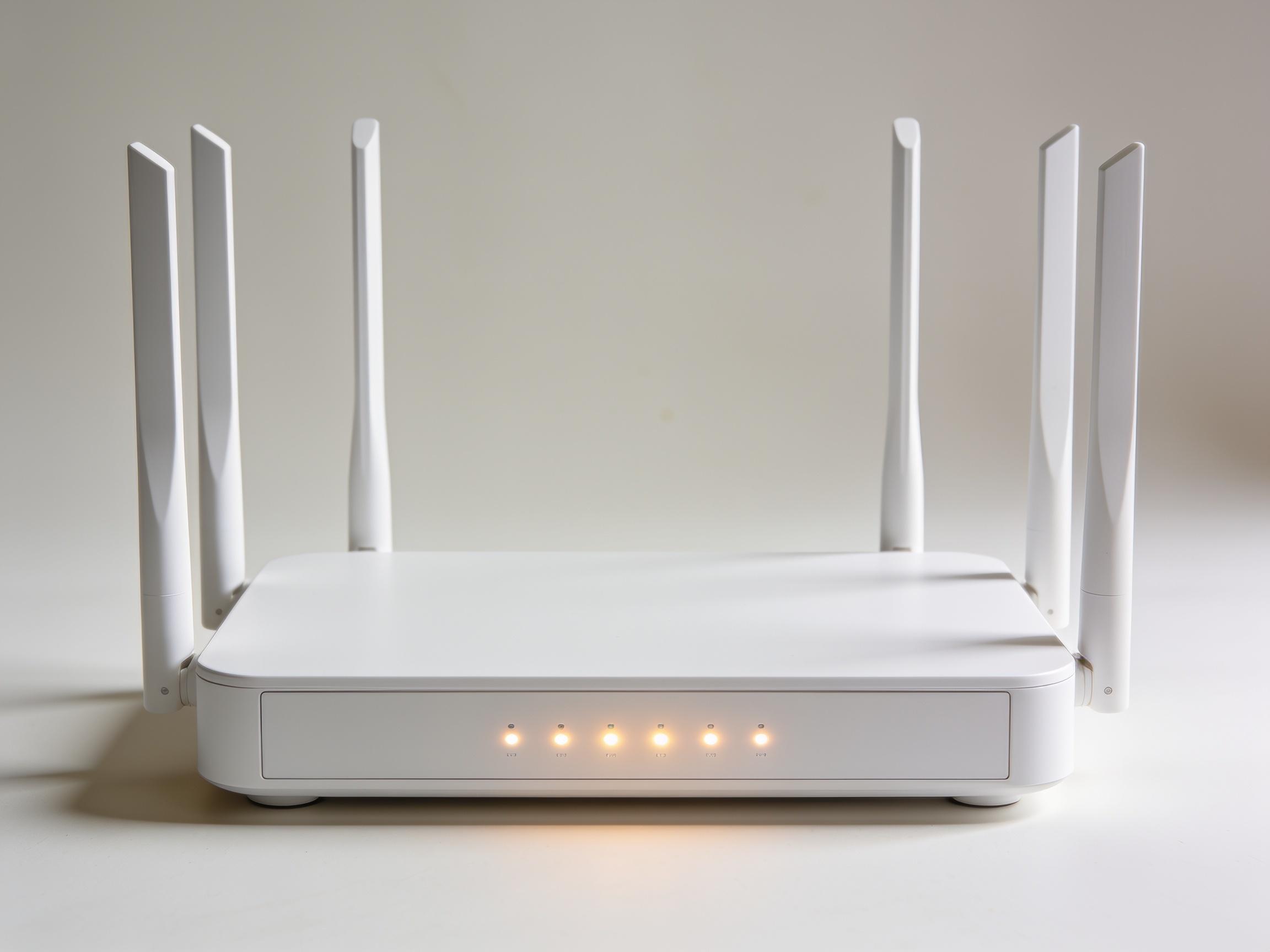
“Home Internet for Snap Recipients” is usually a wired broadband connection delivered to your home with a modem and optional WiFi router. Here’s how to make it work smoothly:
- Modem and Router — Many plans include a modem at no cost; some charge $5–$10/month for a WiFi router. You can often use your own router to avoid that fee.
- Installation — Self-install kits help you avoid technician fees. Ask if self-install is available at checkout.
- No Data Caps — Most low-income plans avoid data caps, protecting you from overage charges.
- No Credit Check — Many programs waive credit checks and deposits for eligible customers.
Where to Apply Online Right Now
You can start applications directly with providers. These official pages explain eligibility, documents to upload, and how to enroll:
- Spectrum Internet Assist — Spectrum Internet Assist
- Access from AT&T — Access from AT&T
- Xfinity Internet Essentials — Apply for Internet Essentials or Internet Essentials Plus
For helpful state resources and discount roundups:
- New Jersey residents — Phone, Computer and Internet Access / Discounts via NJ.gov
- California residents — ACP funding has wound down; find updates and alternatives at Affordable Connectivity Program – Broadband for All (CA.gov)
What to Have Ready for “Wifi with Ebt” Applications
- Proof of Eligibility — EBT card or official SNAP/Medicaid/SSI letter. Screenshots or PDFs are often accepted.
- Photo ID — Driver’s license, state ID, passport, or school ID.
- Address Confirmation — Recent bill, lease, or official mail with your name and address.
- Student Info (if applicable) — If qualifying via NSLP/CEP, have the school letter or district confirmation.
Pro tip: If your household is new to the address or you’re in temporary housing, ask the provider for alternative proof options—they do exist.
Choosing the Right Plan for Your Household
Consider the number of users, video use, and homework needs. For basic browsing and email, 25–50 Mbps is fine. For video calls, telehealth, and homework on multiple devices, 50–100 Mbps offers more breathing room. If you need Spanish-language support or accessibility features, ask during enrollment—most providers have dedicated lines to help.
Save Even More on Home Internet for Snap Recipients
- Use Your Own Router — A one-time purchase can eliminate a monthly WiFi fee, paying for itself in months.
- Ask About Fee Waivers — Installation and activation fees are sometimes waived for low-income plans if you ask.
- Auto Pay and Paperless Billing — Small monthly credits may apply, and you’ll stay on top of due dates.
- Annual Recheck — Plans evolve. Recheck your area each year for faster or cheaper options.
After the ACP: What It Means and Your Options
The federal Affordable Connectivity Program (ACP) stopped accepting new enrollments and funding is largely exhausted. If you previously relied on the ACP discount, don’t panic—many providers still keep their low-cost options available to households on SNAP, Medicaid, and similar programs. Check your provider’s low-income page and state resources like California’s Broadband for All for updates and alternatives, or visit your state’s human services site (for example, New Jersey’s roundup: NJ Basic Needs – Internet Access).
Local Help in Columbus
If you need in-person support in Columbus, try:
- Public Libraries — Staff can help you apply online and may loan hotspots.
- School Districts — Family resource centers often assist with student connectivity.
- Community Centers — Nonprofits and housing authorities commonly host sign-up events.
Quick Steps to Get Started Today
- Check Eligibility — Confirm your SNAP/EBT, Medicaid, or SSI documentation is current.
- Compare Plans — Use the table above to pick a speed/price that fits your needs.
- Apply Online — Start with your local option: Spectrum Internet Assist, Access from AT&T, or Xfinity Internet Essentials.
- Set Up WiFi — Choose self-install and consider using your own router to avoid extra fees.
- Stay Verified — Keep benefit documentation handy for any future recertification.
Reliable, low-cost connectivity is within reach. With targeted options for Internet for People on Benefits, you can bring steady WiFi home, cut costs, and keep your household connected to the services and opportunities that matter most.